Please pay attention, that during Endpoint Suspension operation (via Portal or API), network barring will be sent to the visited network. After you Activate an Endpoint from the Suspended status, the device might require some time and/or mobility activity (reboot, etc) to re-establish a data session (this depends on the mobile network and device type).
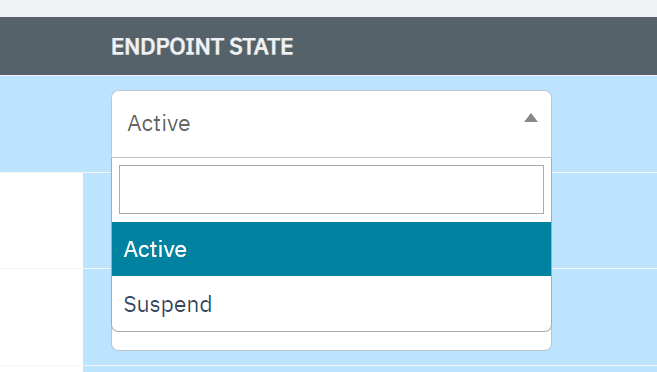
Using the Endpoints menu, the enterprise can suspend a SIM attached to an endpoint. Suspending a SIM temporarily blocks the service for the endpoint. If required, the enterprise can activate the SIM later.
Note: Only Active SIM's can be suspended.
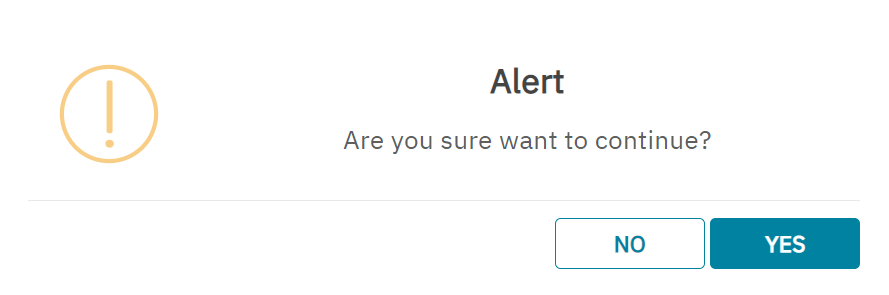
After clicking the button, if you receive "Alert Are you sure you want to continue.?" message, click "Yes" to confirm the action or click "No" to discard the action.
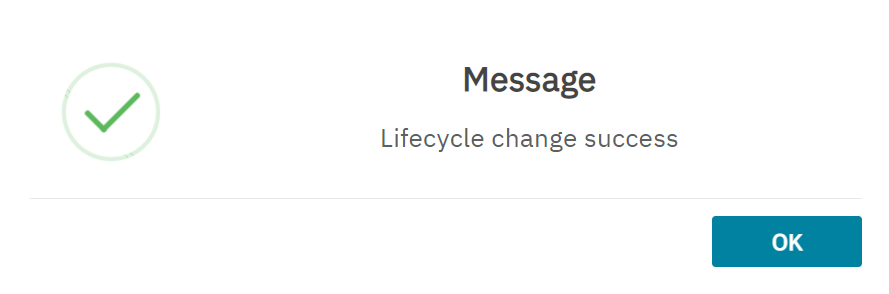
After clicking Yes, a confirmation message is displayed indicating the lifecycle status of the SIM is changed successfully.