

In the Sim For Things tools menu you can set a scheduler to receive Billing and Reporting reports.

Billing reports
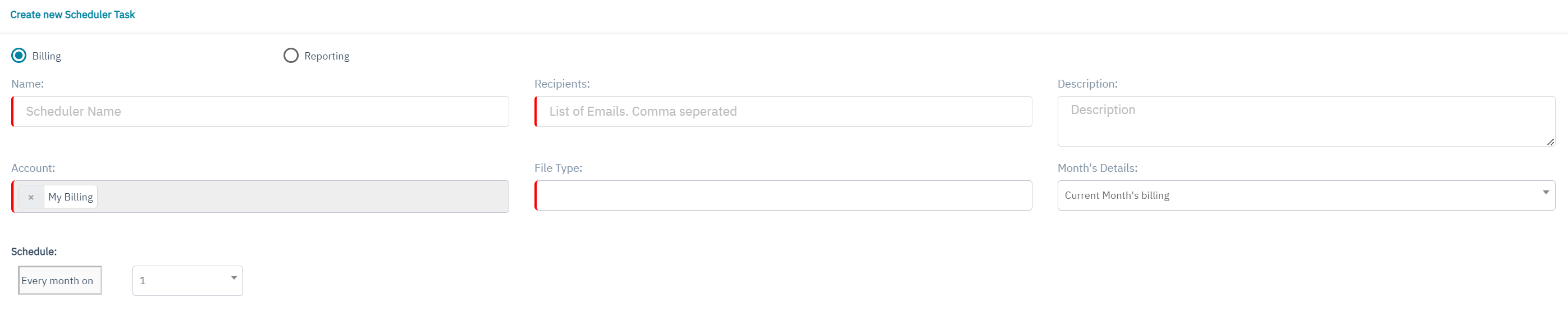
If the scheduled date does not exist in a month, the fallback is the last day of that month. All scheduled tasks are executed at 5.00 AM in the timezone configured in your account.The billing details of an account are considered to be complete about one hour after the end of the month in that account's timezone.If you select multiple accounts, please make sure to schedule the task after the end of the month in the timezone of all the selected accounts.
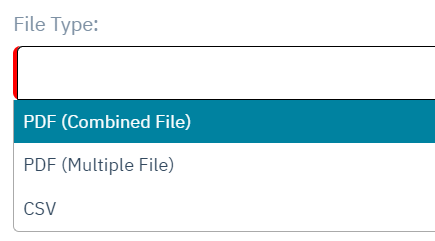
There are 3 File types available.
-
PDF (Combined file)
-
For resellers: See the info from all enterprises in one PDF.
-
-
PDF (Multiple file)
-
For resellers: See the info from all enterprises in multiple PDF’s.
-
-
CSV
-
CSV header: Account ID,Account Name,Status,Customer No,Type,Currency,Charging Category,Fee Category,Fee Type,Charging Date,Name,Description,Amount,Recurrence,Activated by,Ratezone,SIM & Benefit Fee,No of SIMs,Price per SIM,Price per Threshold,Volume (MB) in Benefit,Volume (MB) ,Price per unit,Unit,No of SMS in Benefit,No of SMS,Price per SMS,No of Networks,Price per Network,Sub-total,Total
-
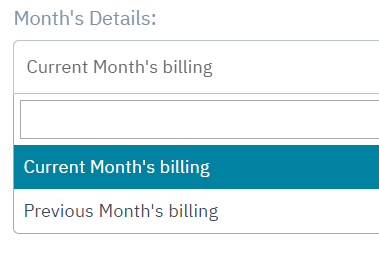
You can choose to schedule for the current Months billing or the previous months billing.
Reporting reports
Choose a name to identify your schedule report and add an email recipient. You can add multiple email recipients as a comma separated list.
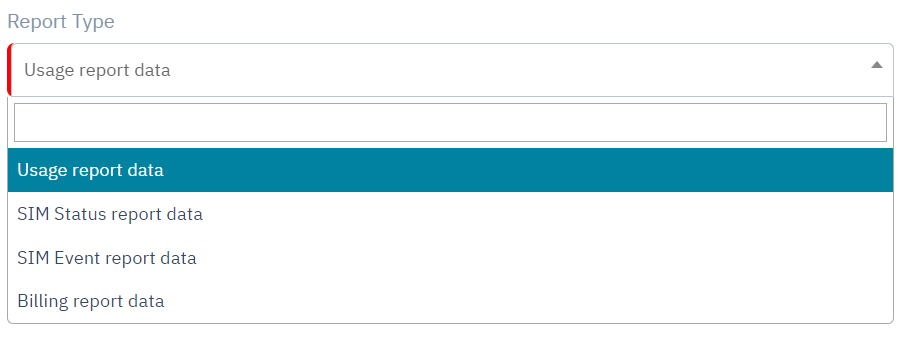
There are 4 types of reports available.
-
Usage report data
-
CSV header: timestampAccount,timestamp,serviceTypeName,subServiceType,parentAccountId,accountId,endpointId,imsi,iccid,msisdn,imei,planId,addonPlanId,dynamicBenefitId,visitedOperatorName,rateZoneName,count,volumeTotal,volumeDownlink,volumeUplink,apn,ratType,revenue,revenueCurrency
-
-
SIM Status report data
-
CSV header: date,accountId,parentAccountId,active,readyToActivate,preActive,activeTest,activeInventory,suspend,deactive,total
-
-
SIM Event report data
-
CSV header: date,parentAccountId,accountId,simEvent,iccid,imsi,msisdn,endpointId
-
-
Billing report data
-
CSV header: Date,AccountId,CustomerName,iccid,msisdn,ServiceName,TariffName,RatezoneName,DynamicBenefitName,ChargedCount,ChargedVolume,ChargedAmount,CostCurrency,CategoryName,FeeCategory,FeeType
-
The reports contains raw data with fields that refer to an ID. Example “endpointId” in stead of Endpoint name. You can enrich the data from these reports using other data sources (merge the different reports, via data stream/callback API data or via API’s).
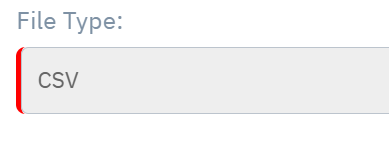
The file type is CSV only and will be send as a ZIP file via mail.
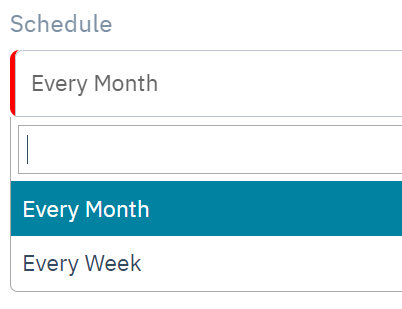
You can choose to schedule every week or every month.
-
The weekly report shall be generated every Sunday around 16h00 UTC providing data from previous Sunday to Saturday.
-
The monthly report shall be generated every 1st of month around 16h00 UTC providing data of the previous month.
The output of the Reporting Scheduled Task is limited to 500.000 records. In case the limit is exceeded, the run is cancelled and Recipients are notified. This is a limitation due to the maximum file size that can be attached to mail.
Report actions
You can execute the report during the month via “execute now”.
The report will be scheduled to be executed. This can take 30 minutes or longer.
You can also view / edit the report schedule settings or delete the report schedule.
