
On the top menu, click Tariff to view the Tariff details. Refer to the following screen.
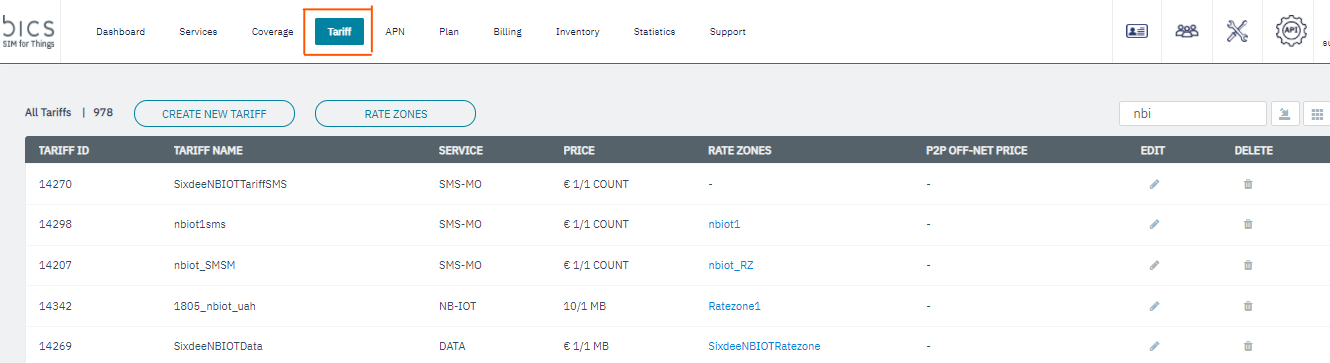
Figure 21 Tariff
-
On the Tariff screen, click
to delete the Tariff details. Refer to the following screen.
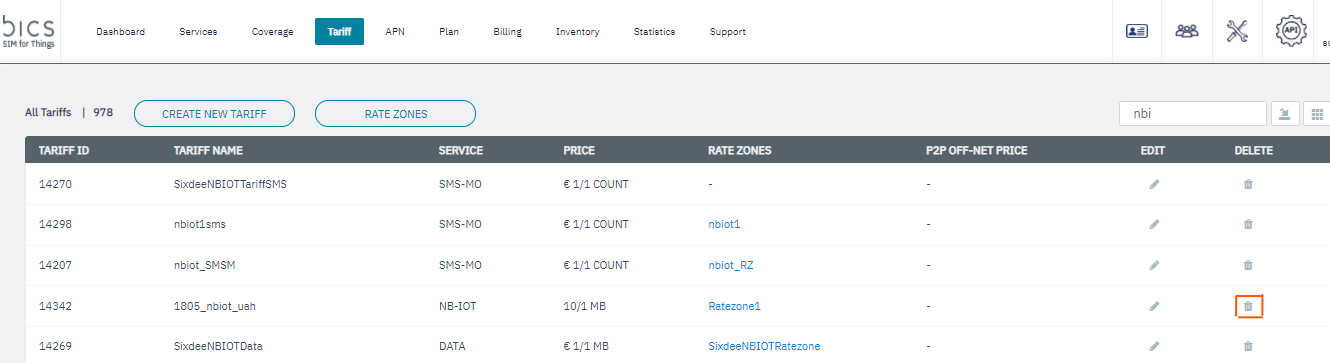
Figure 22 Delete Tariff
-
If you receive "
Alert Are you sure you want to continue.?" message, click Yes to confirm the action or click No to discard the action.
Figure 23 Confirm your action
-
After clicking
Yes, a confirmation message is displayed indicating the Tariff is deleted successfully.
Figure 24 Confirmation message
Note: When you try to delete a Tariff that is attached to a plan, the following message is displayed.
-
When you try to delete a Tariff that is attached to a plan, the following message is displayed.
Figure 25 Error message