Operational Support to child accounts
The Support function allows the Reseller to view child accounts without password for Operational or Provisioning activities. To access the enterprise account, Operational access has to be granted to the Reseller account.
1. On the Reseller accounts screen, click

to view the support user screen. Refer to the following screen.
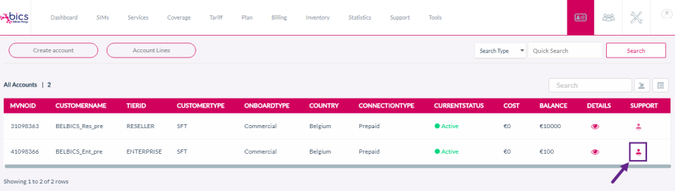
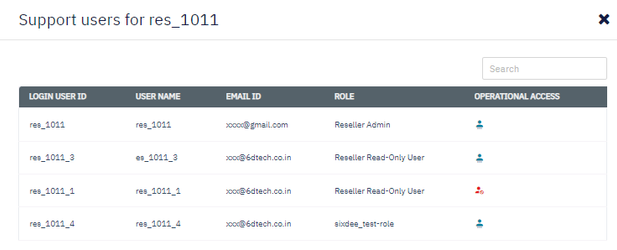
2. After clicking the button, the following screen is displayed.
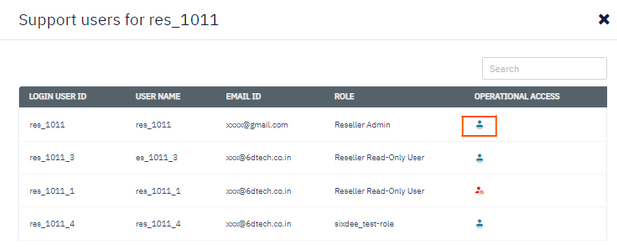
3. Click the Operational access icon

to view the customer profile. Refer to the following screen.
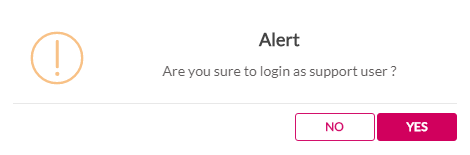
4. If you receive the "Alert Are you sure to login as support user?" message, click Yes to confirm the action or click No to discard the action.
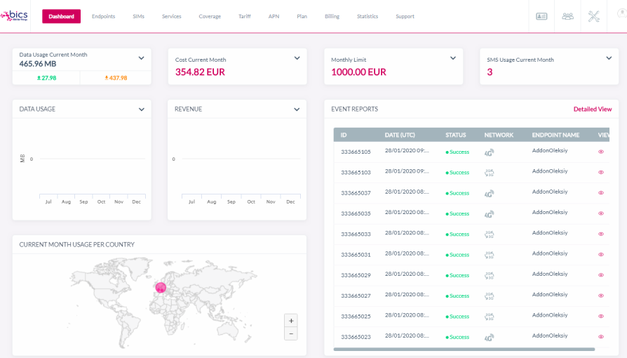
5. After clicking Yes, you will be logged in as Support user and have privileges to view and manage the enterprise.
-
After logging in, the reseller can perform operational or provisioning activities in the enterprise account.
-
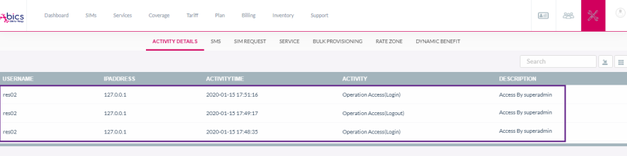
All changes performed using Operational access are recorded under the Activity Details screen.