Delete TAGs
1. After a successful login, the enterprise dashboard is displayed.
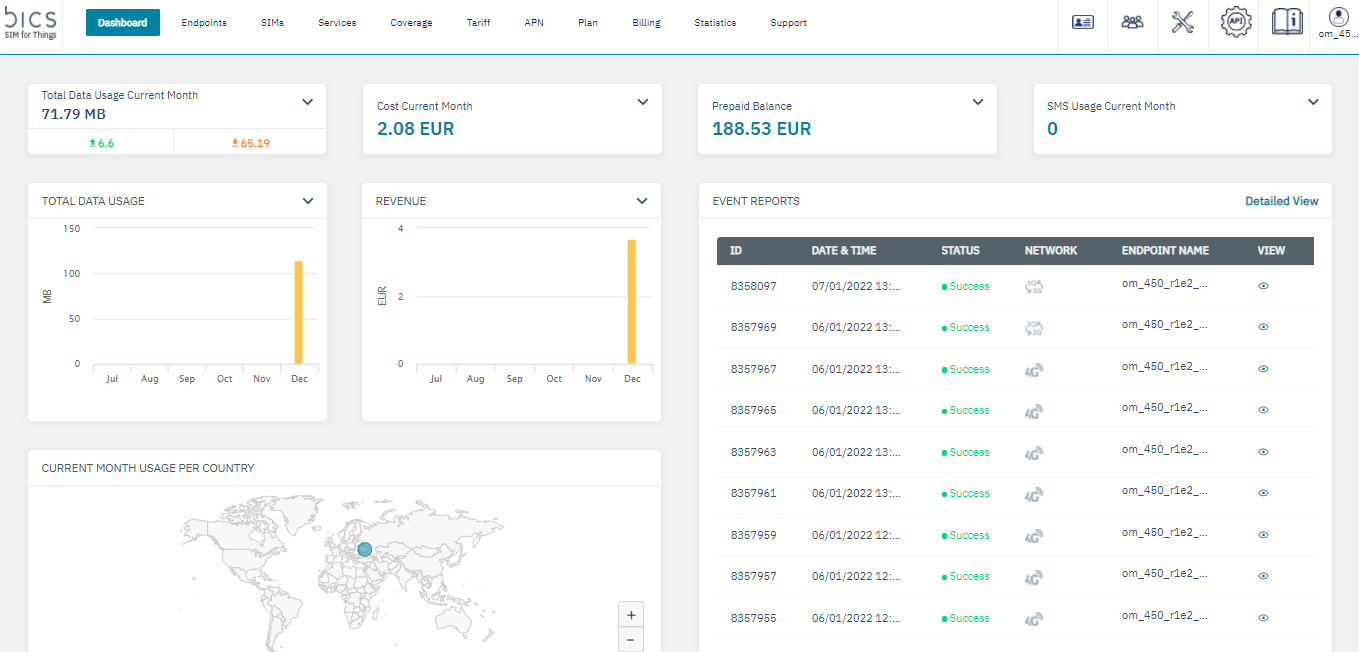
2. On the top menu, click

to view the settings menu. Refer to the following screen.
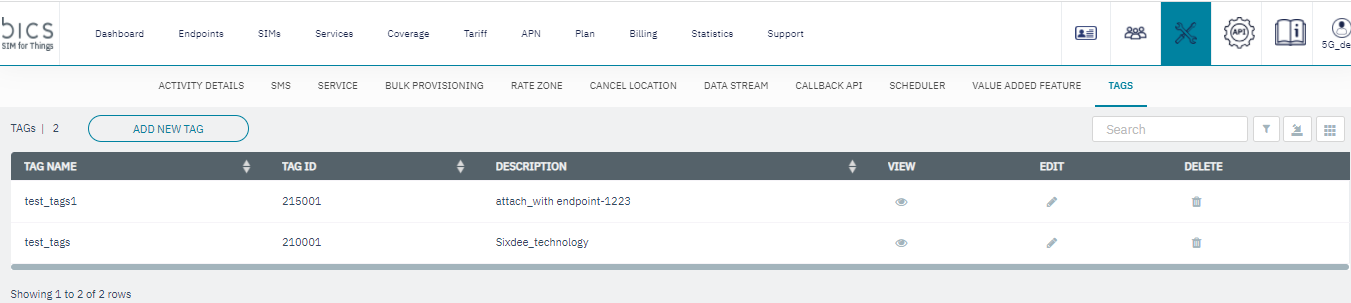
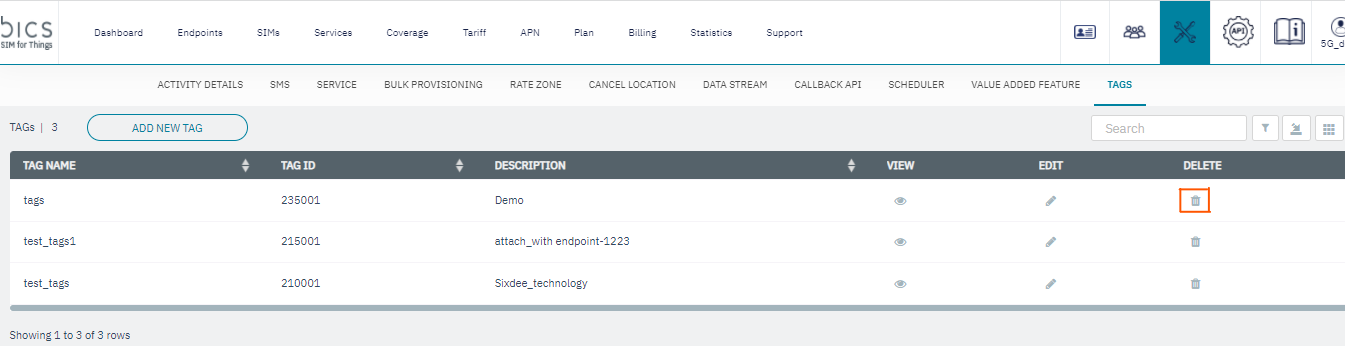
3. click to delete the Tags details. Refer to the following screen.
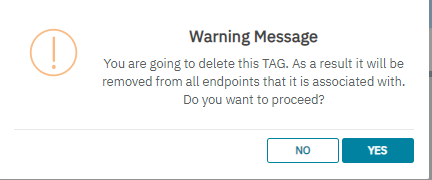
4. A warning message is displayed, Refer to the following screen.