
View TAGs
-
After a successful login, the enterprise dashboard is displayed.
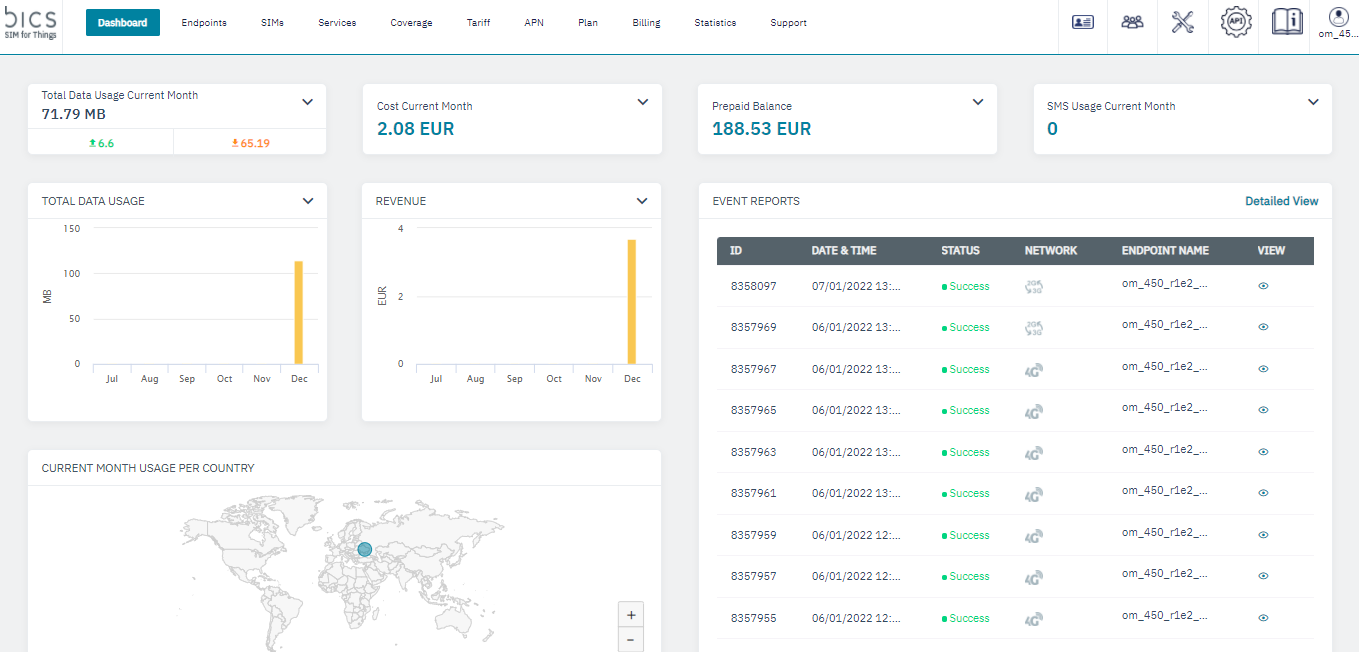
2. On the top menu, click

to view the settings menu. Refer to the following screen.
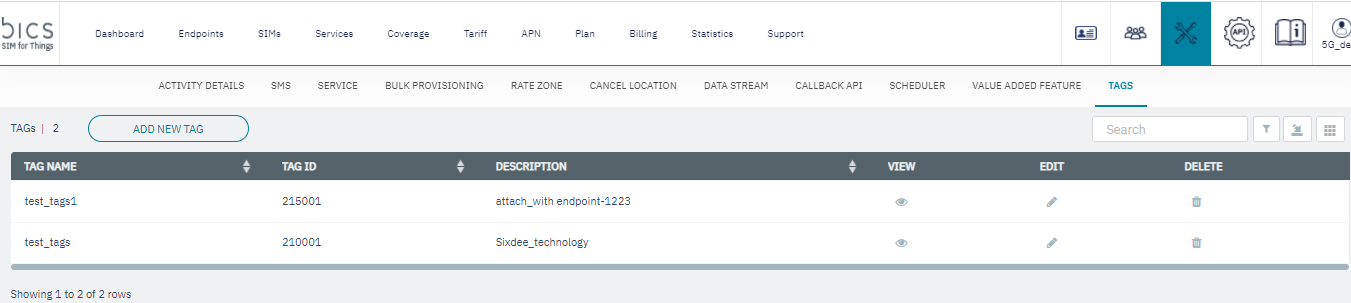
The following Tags details are displayed on the screen.
|
Field |
Description |
|---|---|
|
Tag Name |
This will indicate the name of the Endpoint Tags. Note:- in Tag Name we can maximum 100 characters and special characters not allowed except hyphen “-“ and underscore “_“. |
|
Tag Id |
This will indicate the Id of the Endpoint Tags. |
|
Description |
Here, the user will describe the Endpoint Tags. Note:- in Description we can maximum 100 characters and special characters not allowed except hyphen “-“ and underscore “_“. |
|
View |
click 
to View the TAG creation |
|
Edit |
Click 
to edit the Tag details. |
|
Delete |
Click 
to delete the Tag details. |